
Reports
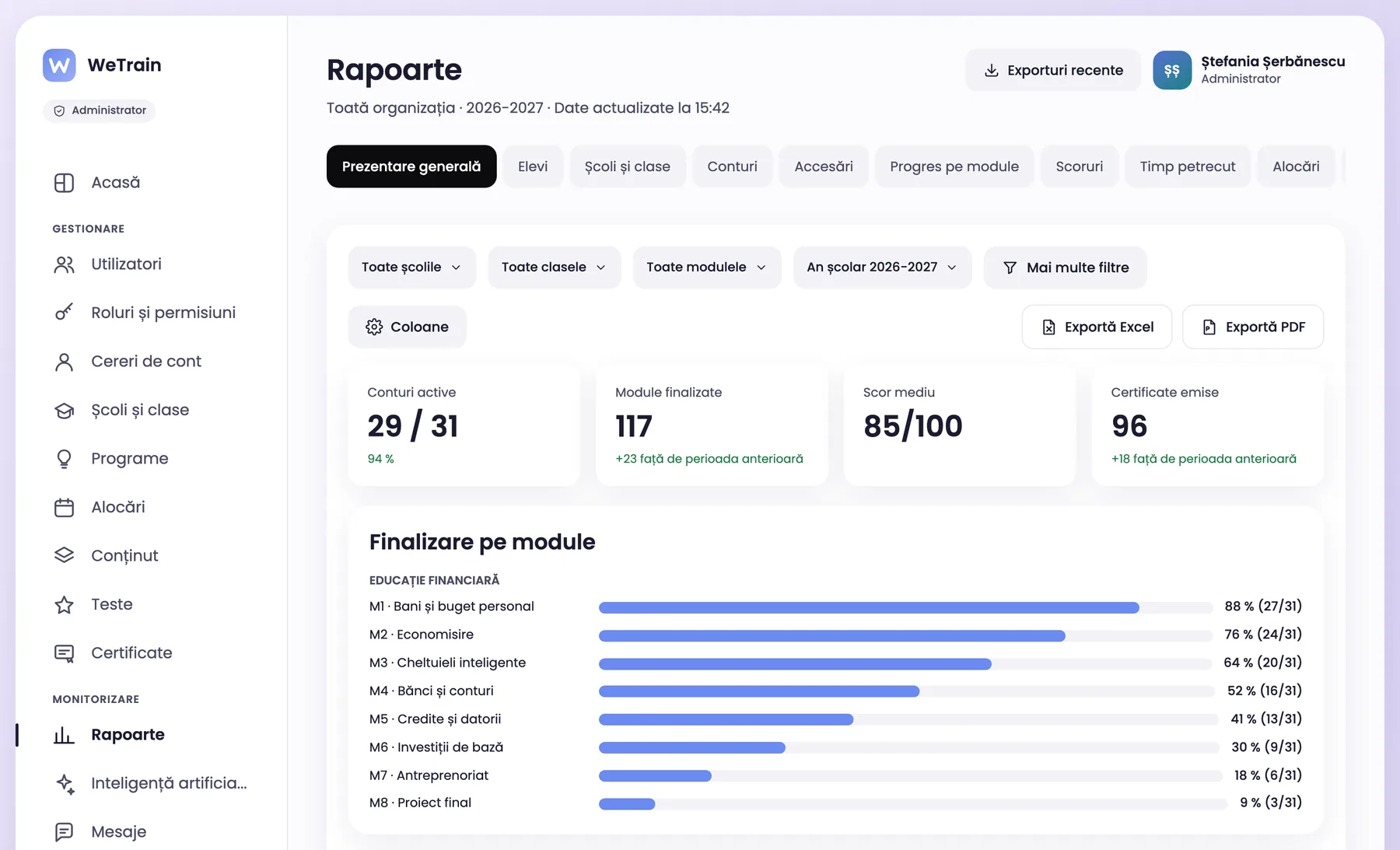
See the progress of every class
Reports by school, class, module and student. Export the data to Excel or PDF for funders and partners.
- Progress, scores and time spent
- Alerts for students who fall behind
- Excel and PDF export
For schools
Organize schools, classes and the school year. Teachers follow their classes, students learn at their own pace and the administrator sees the results.
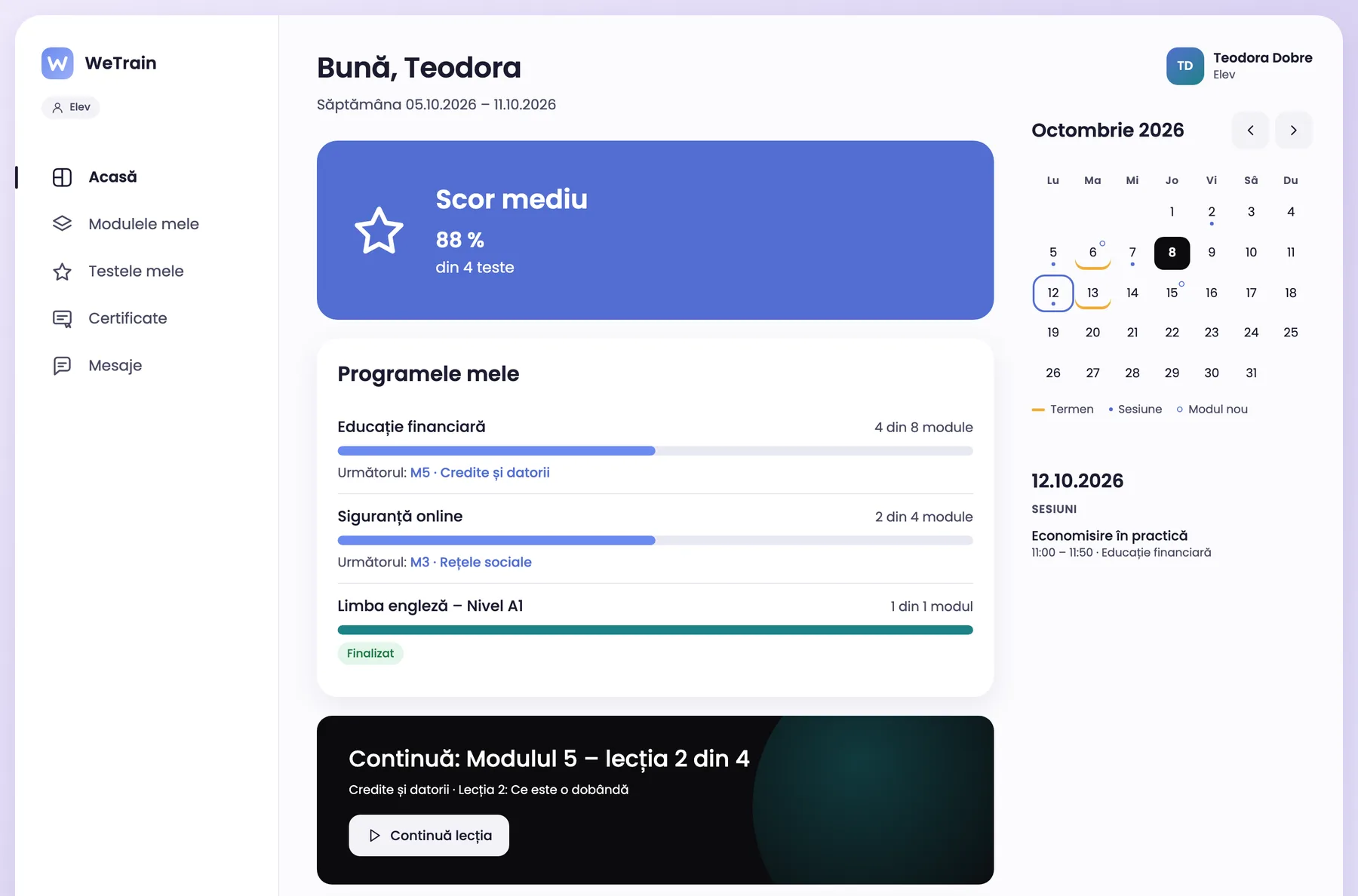
Financial education, online safety or career guidance, assigned by class, with a deadline for every module.
Each teacher sees only their own classes. The administrator sees all schools and all classes.
Reports and certificates for funders: who took part, what they completed and what score they got.
Features for schools
Reports
Reports by school, class, module and student. Export the data to Excel or PDF for funders and partners.
Certificates
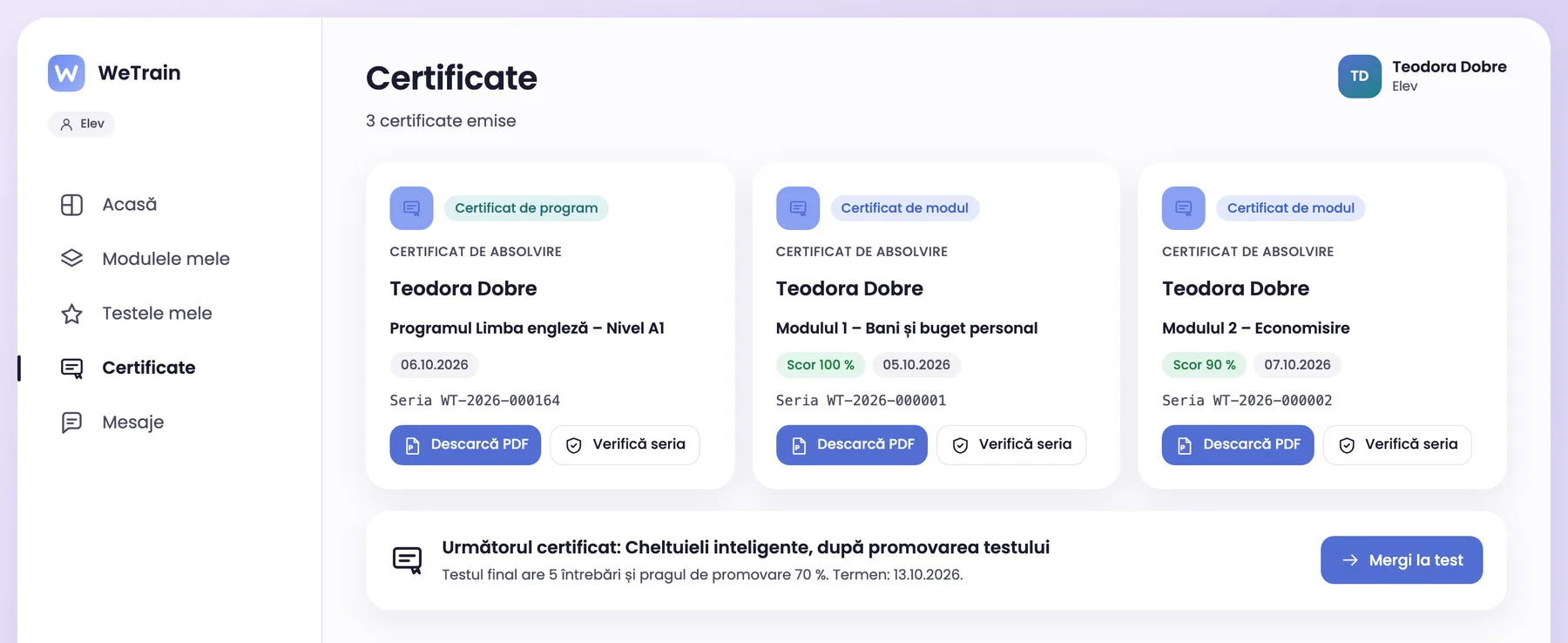
When students pass, they get a PDF certificate with a QR code. Parents or another institution verify the certificate online.
Classes and consent
Students join a class with an enrolment code or by Excel import. A minor who registers alone gets the account after parental consent.
AI assistance
The AI suggests lessons and questions for students, for the class or age group you choose. The author checks every suggestion.
Menus, e-mails, reports and certificates use your terms.
Frequently asked questions
A minor who registers alone gets the account only after parental consent. The consent document is encrypted on disk. Accounts created by the administrator need no consent.
Yes. The platform imports SCORM 1.2 and SCORM 2004 packages and saves the progress of every student.
Yes. WeTrain works in the browser, on phones, tablets and computers.